How to use Pro AI Outfit Changer

Master the Pro AI Outfit Changer. This guide shows you how to use model photos, garment photos, and text prompts to create stunning, high-quality fashion visuals instantly.

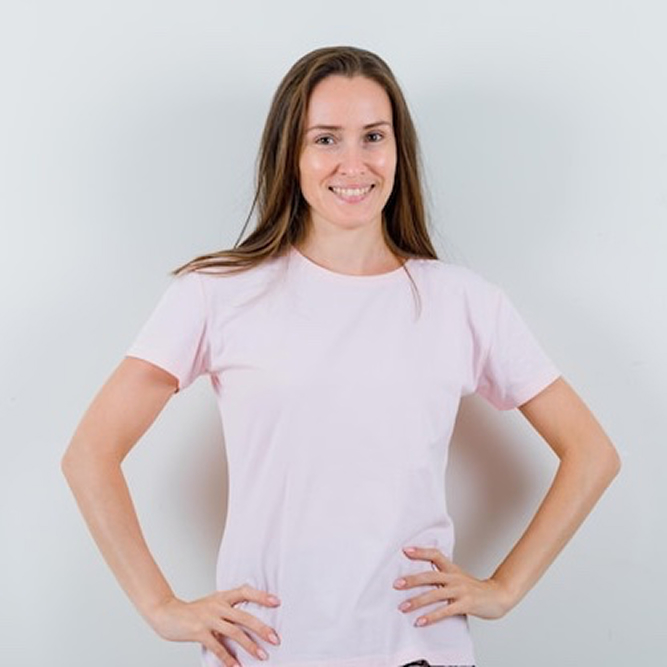
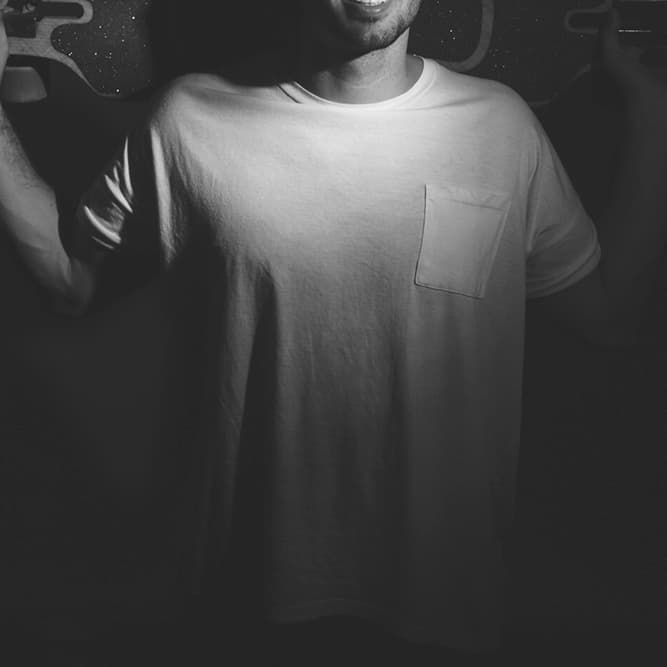
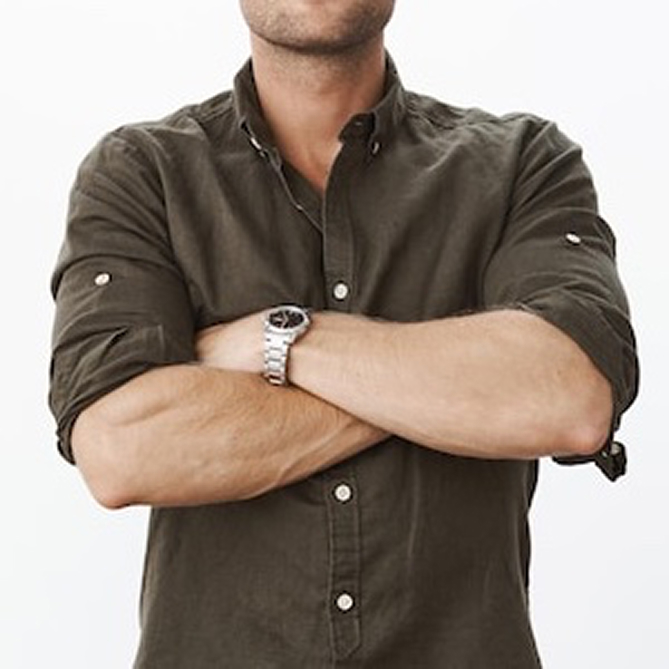
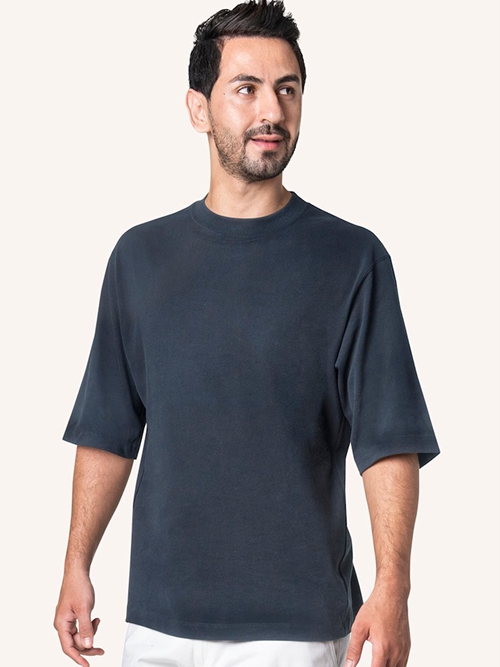
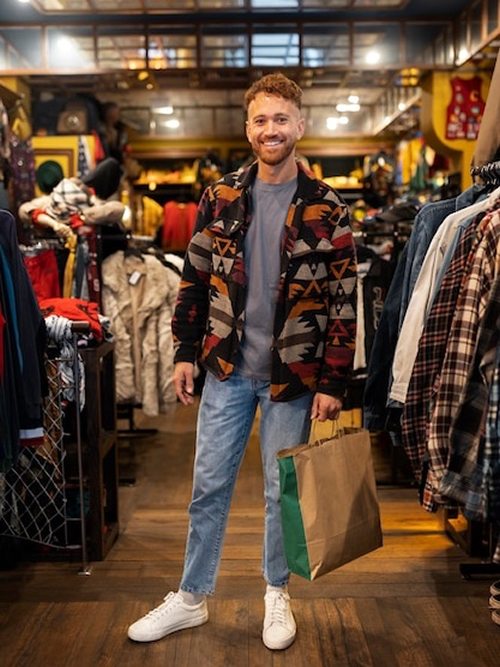
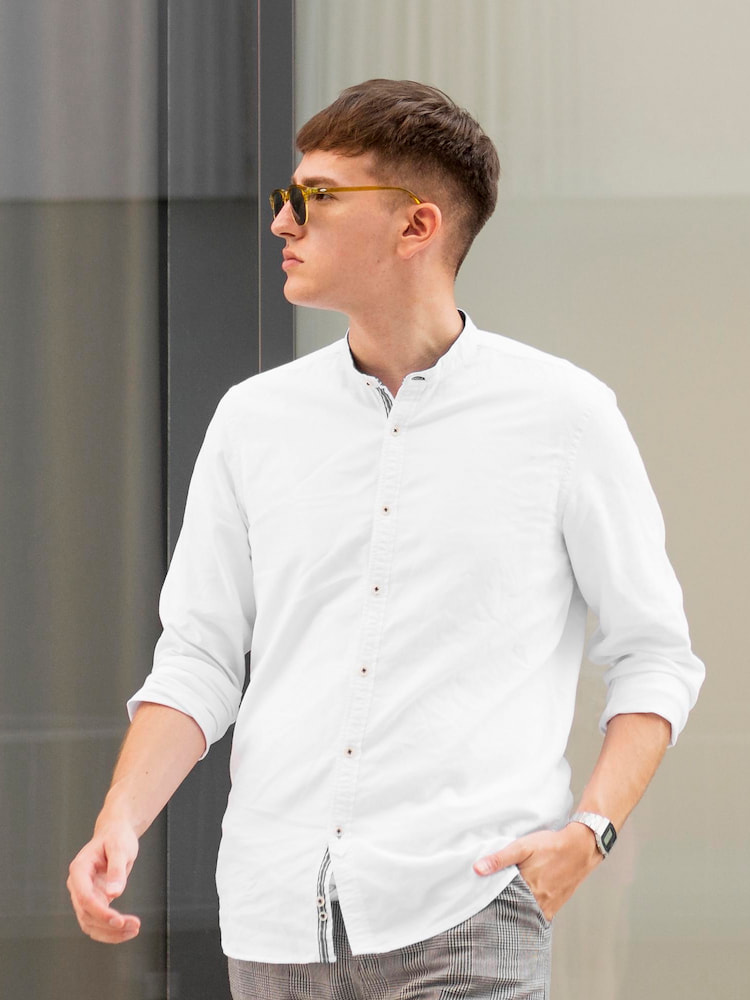
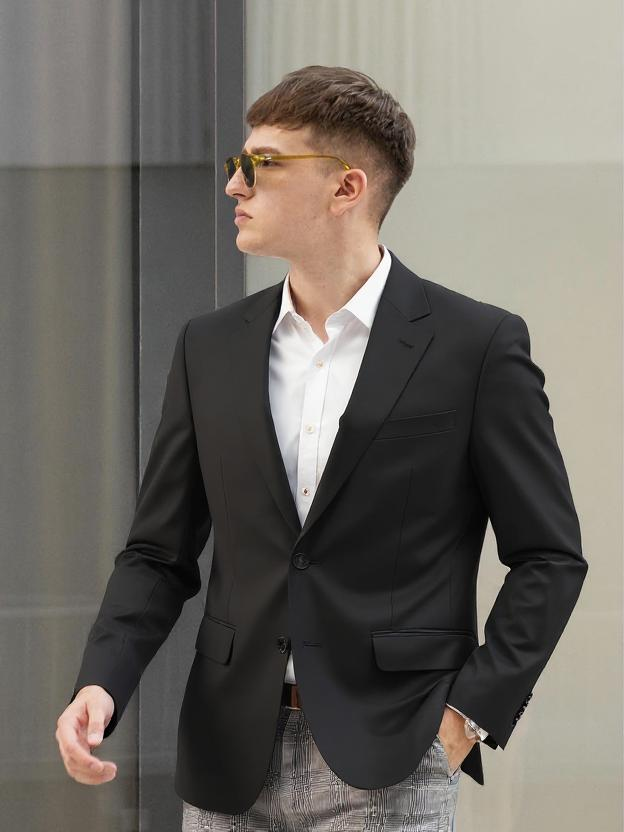
A model for virtual try-on, whose clothing will be replaced by the Pro AI Clothes Changerstep 1

Upload Model Photo

Start by uploading a clear, front-facing photo of your model. A simple pose and background works best.

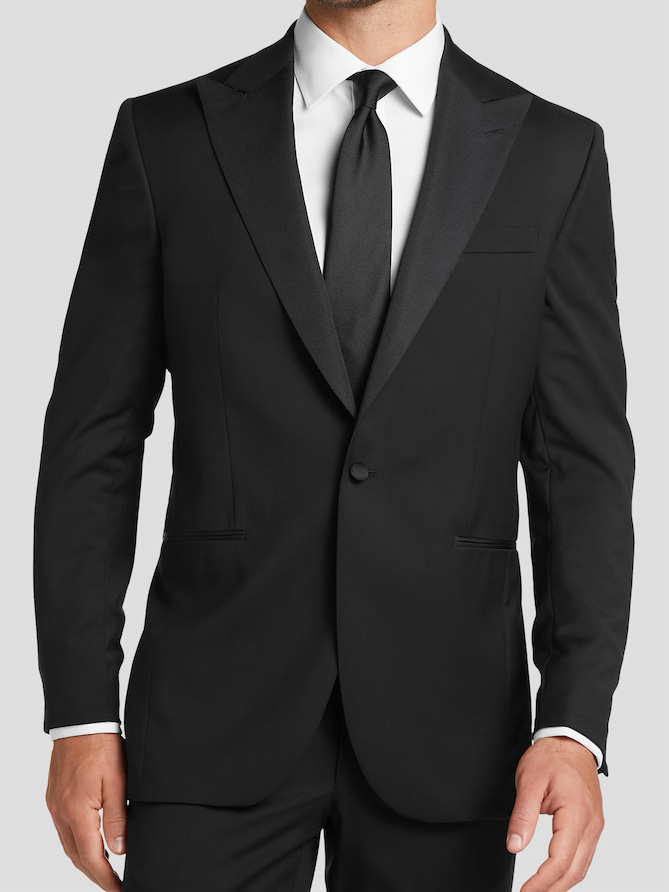
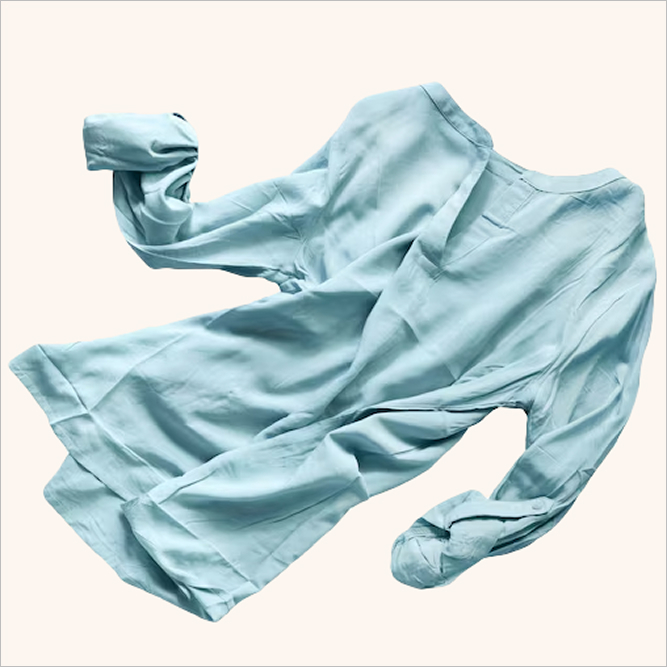
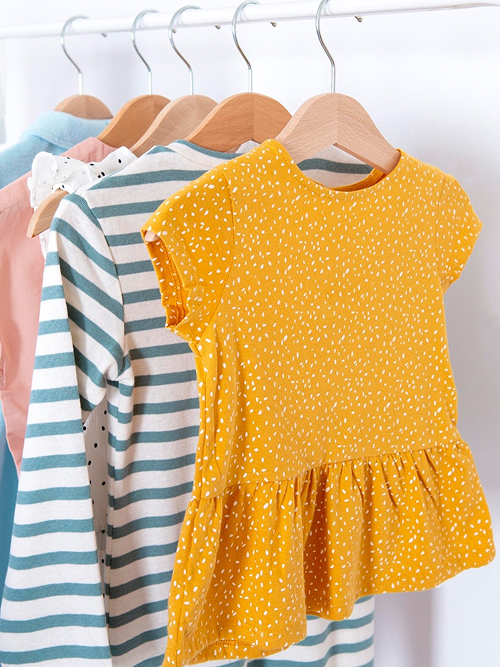
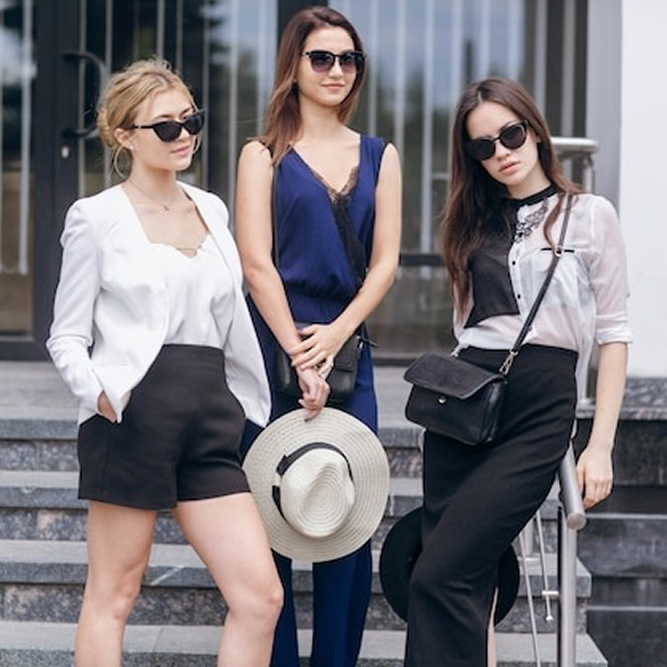
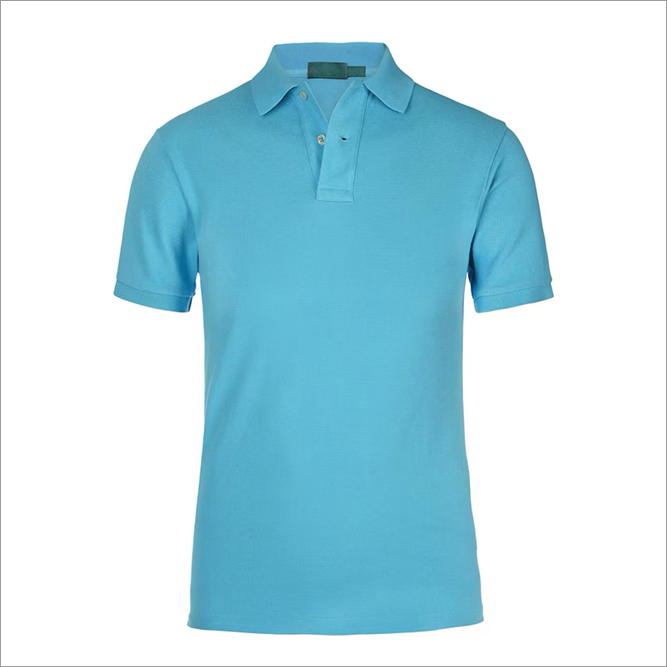
A flat-lay photo of a garment to be used by the AI virtual try-on tool.step 2

Upload Garment Photo

Upload a clean photo of the garment. Flat-lay photos (clothing laid flat) provide the most accurate results.
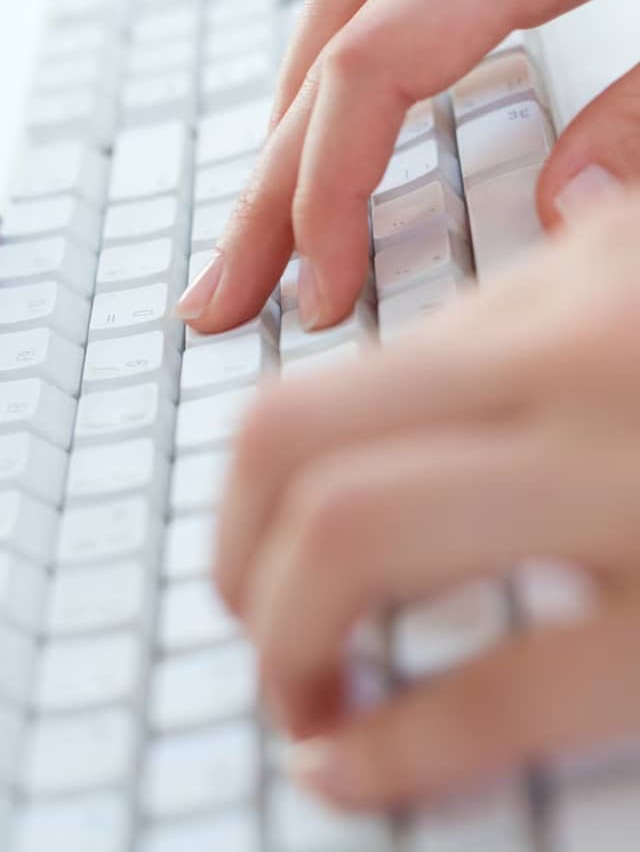
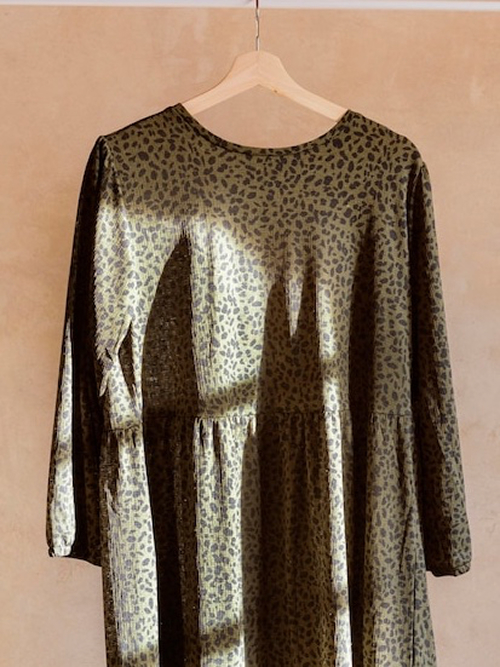
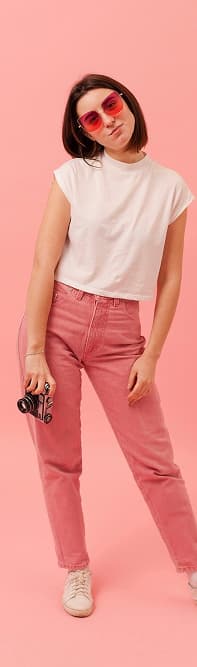
A text prompt being written to instruct the AI clothes changer.step 3

Write Your Prompt

This is the key step. Write a clear command, like "Put the shirt on the model" or "Dress model in Image 1 with clothes from Image 2".
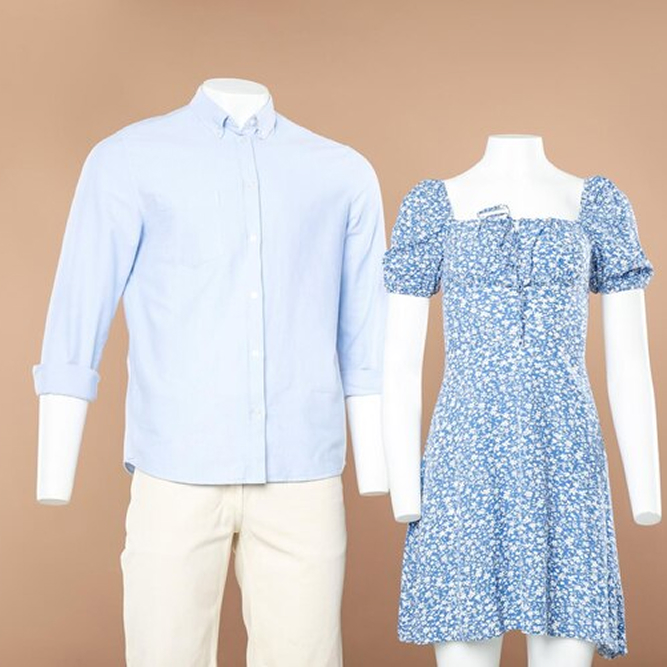
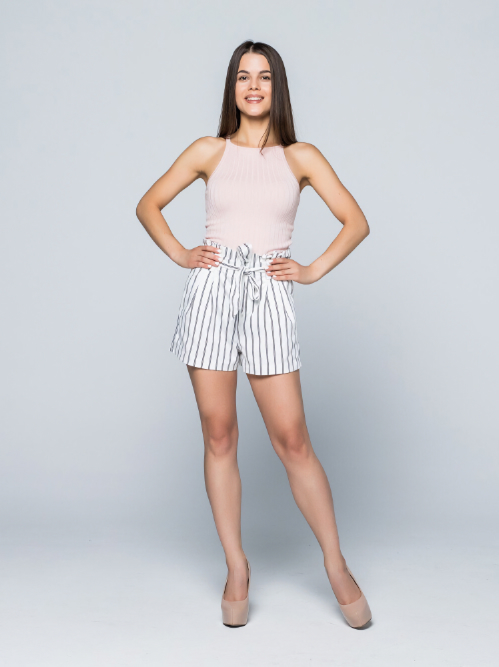
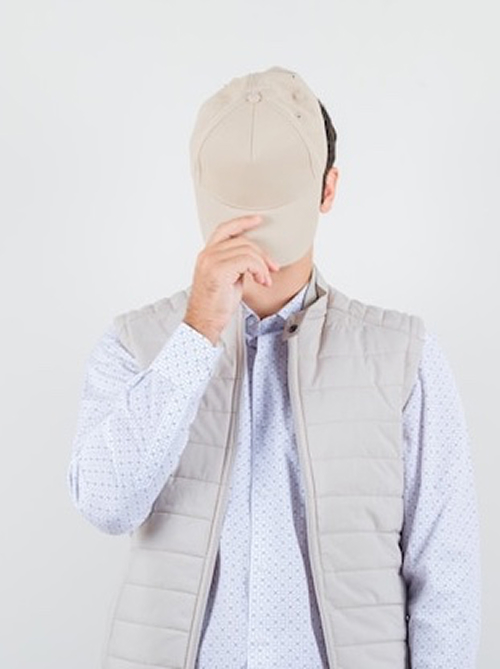
A model showing the final result from the Pro AI Outfit Changer.step 4

Click to Generate

Click 'Generate' and let the AI create your realistic virtual try-on. If you're not satisfied, click generate again or tweak your prompt.

✍️ Magic Prompt Guide

A simple prompt is the key to a perfect result. Here’s how to write one.

Be Direct and Clear

Your prompt is the most important instruction for the AI. Avoid conversational fluff (like "please" or "thank you") and give a direct command. The AI understands simple, clear requests best. Good Example: "Put the yellow shirt on the model" or "Put this hoodie on the man."

Use "Image 1" and "Image 2"

The AI is trained to understand context. "Image 1" refers to the Model photo, and "Image 2" refers to the Garment photo. You can use this for complex commands or to be extremely specific. Good Example: "Please dress the model in Image 1 in the denim shorts and shoes from Image 2."

Iterate and Tweak

AI generation has a random element. If the first result isn't perfect, your best first step is to click 'Generate' again. If it's still not right, try tweaking the 'variable' words in your prompt. Tweak Example: Change "Put on the shirt" to "Dress the model in the shirt".

Model Photo Recommendations

  • For best results, use a clear, front-facing photo. Our AI can also handle slight angles, but front-facing is ideal.
  • Good, even lighting will produce a more realistic result.
  • A single person with a simple background is recommended. Busy backgrounds or multiple people may confuse the AI.
  • Pro-Tip: You can use our AI Fashion Model Generator to create ideal, high-quality models.

Clothing Photo Recommendations

  • A flat-lay, clean photo of the garment works best. Mannequin or worn photos can also work, but flat-lay is recommended.
  • A simple, non-cluttered background helps the AI focus on the clothing.
  • Ensure the garment is well-lit so the AI can see its details, texture, and color accurately.
  • Try to use photos without excessive wrinkles, as they may be recreated in the final try-on.

💡 Pro-Tips of Virtual Try-on

High-Quality Inputs

Model: Use simple poses, front-facing, no occlusions (e.g., arms not crossed).
Garment: Use flat-lay, clean background, no wrinkles.

Match Poses

If the model is side-on but the garment is front-on, the AI might get confused. Try to use matching poses.

Complex Garments

For difficult items like gowns or heavy coats, the AI may need more context. Using a prompt that describes the garment (e.g., "Put on the long velvet dress") can help guide the result.

One Item at a Time

The AI works best when swapping one primary garment (like a shirt, dress, or jacket). Trying to swap a full outfit *and* shoes *and* a hat all at once may produce mixed results.

View the Pro AI Outfit Changer Video Tutorial